 NORA
Ink traceability
Inks, batches and needles, logged during the session
Nora's session mode keeps track of every ink, every batch number and every needle used, project by project. If a product is recalled, you know right away which clients are affected.
€24.90/month at the launch price · no commitment · 0% commission on your deposits
Why log your inks and batches?
Since January 2022, tattoo inks sold in Europe are regulated by the REACH regulation, which requires precise labeling, batch number included. Tattoo artists must be able to pass on the label information of the products used to their clients.
A batch is recalled
You need to know fast which clients got that ink.
A client has a reaction
They ask which ink you used, and when.
An inspection
You show what you logged, session by session.
Always check current requirements with your local health authority (ARS) and the official texts.
How does it work?
On the day, start session mode from the client file. Log everything without putting your machine down for long.
- The timer startsIt starts with the session, and the hygiene checklist appears.
- You tick the hygiene checksIn a few taps, before you start.
- You log the inks and their batchesAnd the needles. Everything goes into the current project.
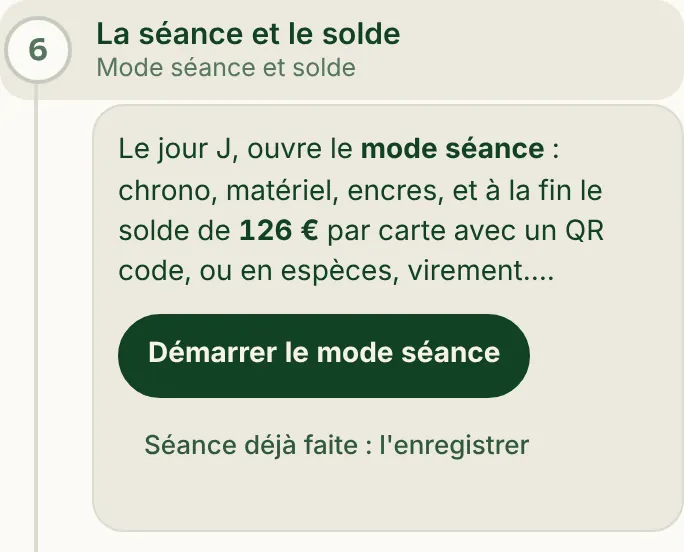
- You collect the balance and the tipBy card, cash or both.
A recalled batch? One search does it
With “Search a batch”, type the number and Nora shows you every session where it was used. You know who to contact, without digging through your papers.
At the next visit, Nora also shows you the client's last session: inks, batches, needles and your notes.
- JMJade MorelLittle moon · Feb 16 · Triple BlackBatch TB-1907
- HLHugo LeroyStar flash · Mar 3 · Triple BlackBatch TB-1907
- IPInès PierreShoulder cover-up · Mar 22 · Triple BlackBatch TB-1907
3 sessions found · clients to contact
From session to stock
What you log in a session comes from your stock. Nothing to copy over.
- Several projects
Two tattoos on the same day: each project keeps its own inks and price. - Stencil and result
Photos are filed in the project, not in your camera roll. - Stock up to date
Products used come out of your stock, with an alert when it runs low. - Order ready
The order list builds itself. The catalog comes pre-filled with common products.

Questions?
What should I log for each session?
At minimum the brand, reference and batch number of each ink, and the equipment used. Nora offers these fields in session mode and files them in the project.
How do I find the clients from a batch?
With “Search a batch”, you find the sessions where it was used, and so the clients to contact in case of a recall.
Does it work offline?
Nora works on a weak connection: the app is cached on your device. A connection is needed to save to the server.
Does the stock update automatically?
Products logged in a session come from your stock. You get an alert when a product runs low and an order list is ready.
Nora’s other features
From €14.90 a month, and everything is included in Premium.

Try Nora free for 14 days
Then from €14.90 a month. Launch offer: Premium at €24.90 instead of €29.90, locked in for life before January 15, 2027. Ink traceability is part of the Premium and Pro plans. See the plans